
Add a Custom Dropdown for Sold Out Badge (Theme Settings)
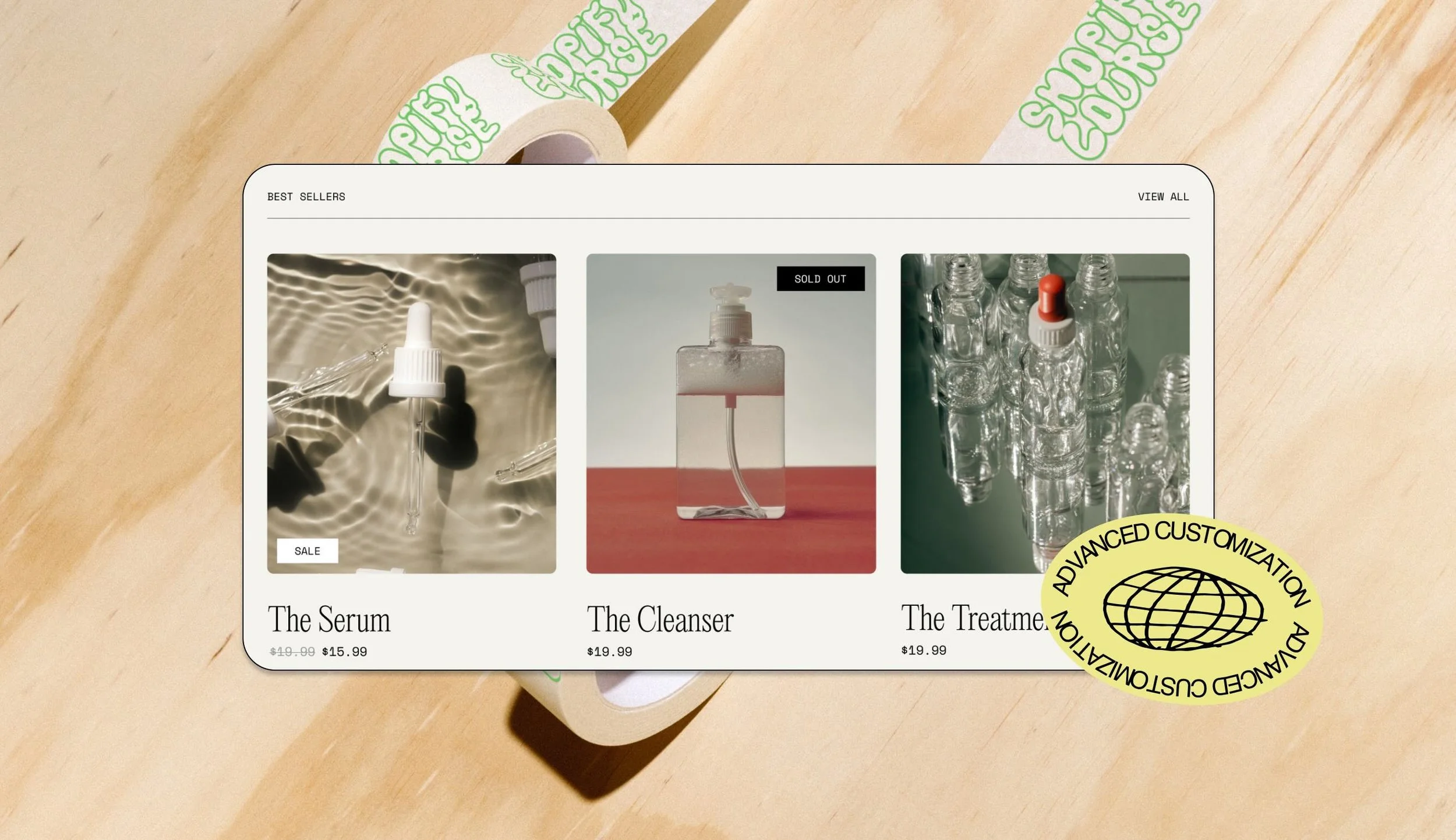
Curious how to get the “Sold Out” badge on the top right of product cards while keeping the “Sale” badge in the same place? Learn how to modify the Dawn theme to add an extra dropdown in the Theme Settings to control each badge individually. All you need is familiarity with the JSON schema and Liquid techniques we learned in Section 3!
Preview the new badge positions in the Glowe Cookie Reward theme.