Motion Templates for Creative Freelancer Portfolios (When You Don't Have Time for After Effects)

Motion Templates for Creative Freelancer Portfolios
(When You Don't Have Time for After Effects)
The number one thing creatives want help with is: promoting their work.
Oof, creating content to market yourself is the last thing you want to do after you just spent months (eep, years?) finishing that project. You know you have to add motion to give it that professional spark, but you haven’t had a chance to enroll in that super amazzzzing Motion Design Course (ahem). Welp, we feel your pain… so we did a lil thing with Butter.
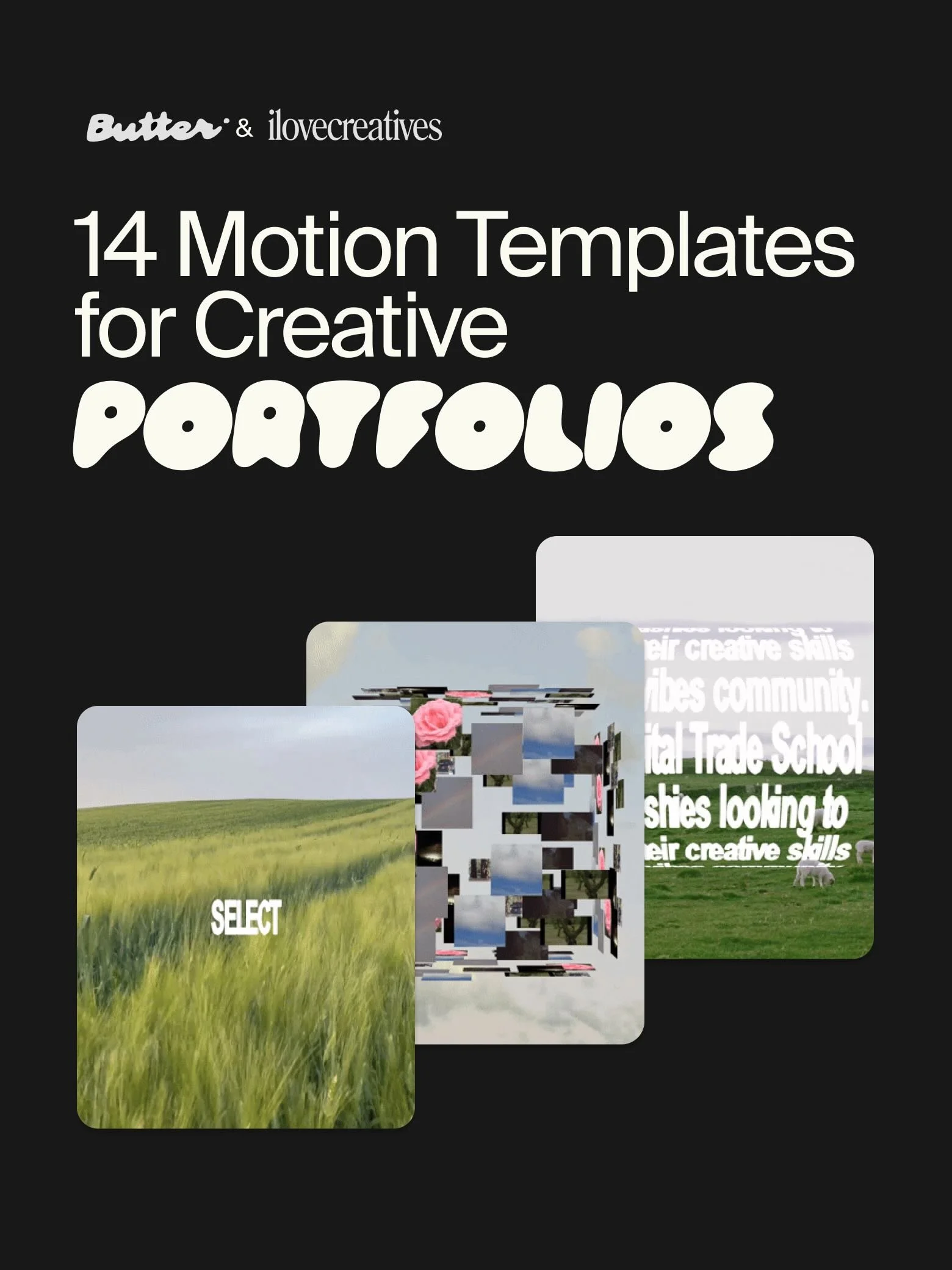
Enter: Butter. It's a motion design tool with ready-to-go animated portfolio and social media motion templates you drop your assets into and customize in minutes (not exaggerating).
Full creative control, one-click resizing for every platform, and zero After Effects required. We've been using it for a while now here's why we love it.
We partnered with Butter to build 14 motion templates we actually wanted for ourselves, and now they're yours too.
Graphic designer, copywriter, web designer, social media manager, creative director, agency, or just someone who wants their social media content and portfolio to move... these are for you! Here's what each one does.
1. Eye-Opener
Showcase any set of images by having them spring out of customizable text as they form a perfectly messy stack 🥞
2. Image Bloom
Need to animate your brand’s new product inventory? Use the Image Bloom template to introduce your images one by one.
3. Rolodex
Choose up to 20 images to flip through. The pacing, card width, and corner roundedness are all up to you.
4. Text Roller
Think end credits scene on an infinite loop. Text, font, line height, and speed all customizable by you, of course.
5. Filing System
Looking for a motion template that visualizes a list by order or category? Take advantage of Filing System—the Butter team did all the heavy lifting to help you file away.
6. Stuck on the Surface
Select up to 20 assets to stick on a rotating, transparent globe. And yup, you can add videos too (we’re obsessed).
7. Bento
It’s like a lunchbox of all your yummy visuals, except you can resize all the contents with one click 🍱
8. Textnado
Text meets a bendy vertical axis 🌪️. Play with text color, fonts, and speed to achieve your desired effect.
9. Warp Text: Warp
A little unhinged, but unexpectedly engaging. Treat your viewers to a fun surprise with Warp.
10. Warp Text: Marquee
Got copy that deserves a full blown billboard moment? Use the Marquee template, and you’ll have us in a trance.
11. Warp Text: Shear
Trippy but very mesmerizing. Invite your audience to linger as your text ebbs and flows into angled rows.
12. Text Wave
Play with copy, color, and fonts and transform your text into flowing wave patterns.
13. Text Mask
Tease up to 10 visuals with your choice of punchy copy using the Text Mask template.
14. Bounce
Like a trampoline, but for text. Add some playfulness with copy that launches up and falls back down.
If you want to use these now, sign up for a Butter account here, and get 7 days free of Butter Pro.
Excited about the templates but still interested in learning motion design from the foundations up? We gotchu too. In our Motion Design Course, we cover all the motion fundamentals and give you the step-by-step rundown of how to use After Effects and Cinema 4D to execute on your ideas. Check out the course curriculum here.